

 5 mins read
HR professionals handle far more than just employee hiring and onboarding. On any given day, they may need to digitize essential documents, convert plain text into PDFs, and calculate hourly wages.
While these tasks may seem very basic and repetitive, they can consume a significant amount of time and slow down overall workflows. Fortunately, dedicated online tools are now available, helping HR managers automate and simplify these everyday operations.
In this blog post, we are going to discuss specialized tools for extracting text from scanned documents, creating professional PDFs, and converting salaries into hourly wages in just a few clicks.
3 Best Tools that Can Be Useful for HRs in Routine Operations
Here are the tools that can help HR professionals save valuable time and effort in day-to-day operations.
1. Salary to Hourly Calculator
Source: https://nextinhr.com/hr-tools/salary-to-hourly-calculator
Human resource teams frequently need to convert a monthly salary into hourly wages for payroll processing, compensation planning, and compliance purposes. Manual calculation is not only time-consuming but also error-prone.
This is where a dedicated salary-to-hourly calculator comes in handy for HR managers. It automates the calculation process by instantly converting monthly salary into hourly rates with a single click.
Along with the hourly rate, this calculator also offers insights into daily, weekly, biweekly, semi-monthly, monthly, and annual wages. It is available for free and very simple to use. All you need to do is simply enter:
- The salary
- Salary period (i.e., monthly)
- Hours per week
- Weeks per year
- Working days per week
- Paid leaves (optional)
- Paid vacations (optional)
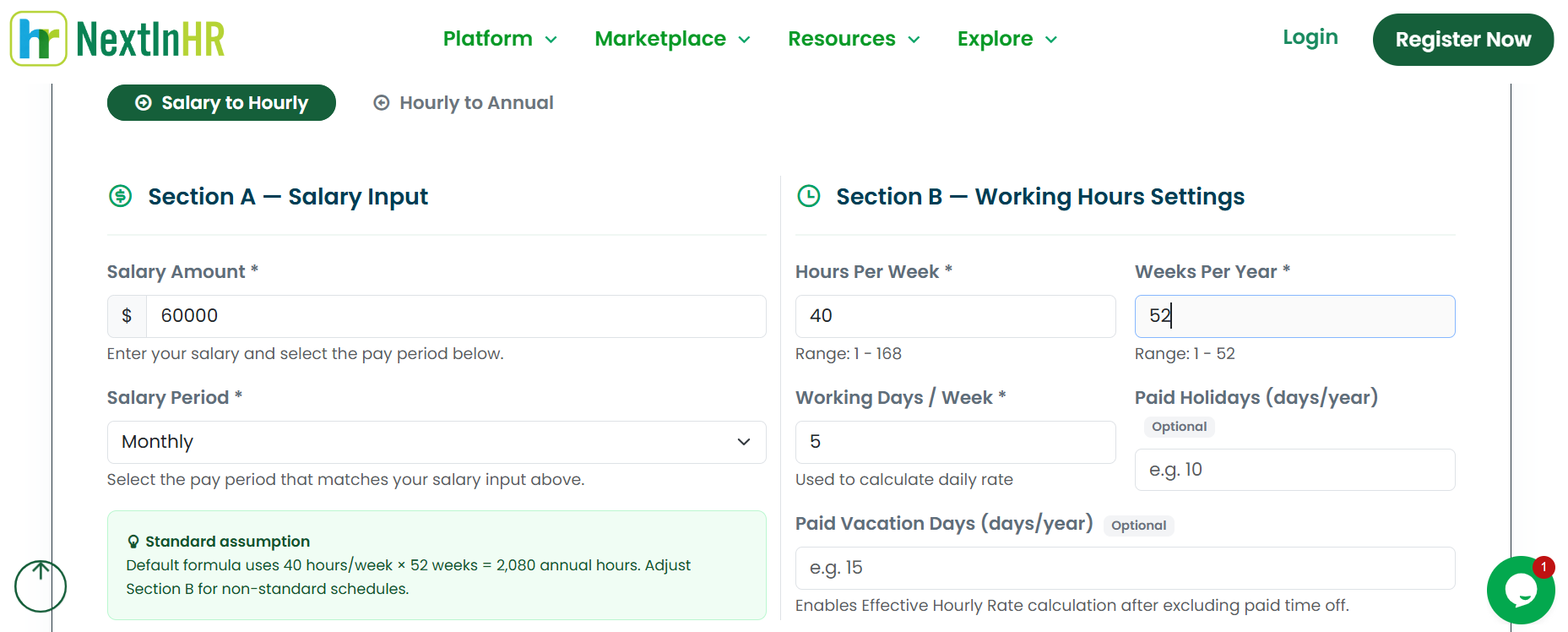
One useful feature is that this calculator supports salary conversion in a range of currencies, including USD, INR, EUR, and others. This feature makes the calculator more versatile for users in different countries. Moreover, it also provides the option to copy the results or download them as a PDF.
Pros:
- Free and simple to use
- Highly quick and accurate
- Supports salary conversion in numerous currencies
- Saves time and effort
Cons:
- No cons!
2. Picture to Text Converter
Source: https://www.picturetotext.org/
Extracting text from images, scanned documents, and handwritten notes is a routine task for HR managers. To get it done quickly and efficiently, they can use this specialized Picture to text converter.
It is powered by OCR and works to extract text from images and scanned documents in an editable format. It is available in both free and premium plans.
In the free version, it allows HRs to upload up to 5 images at once for text extraction. To process up to 50 images in one go, they will need to purchase its premium plan.
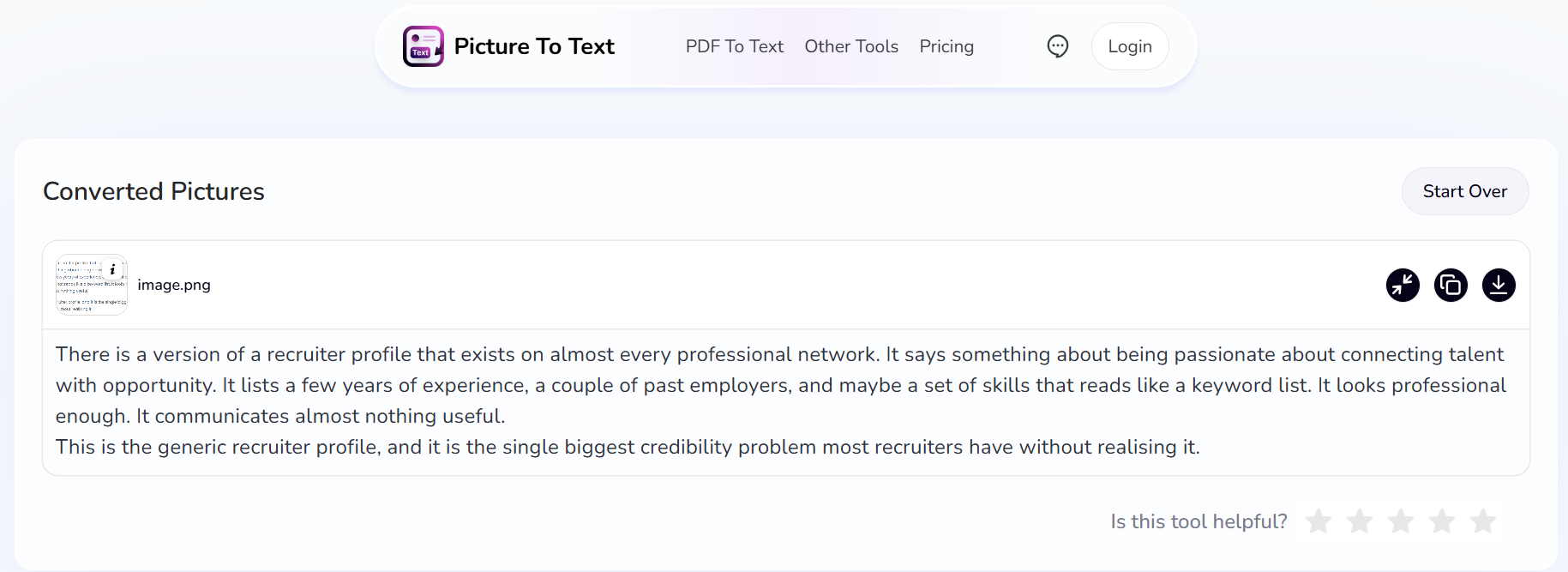
Picture to text converter is capable of easily scanning and extracting special characters, symbols, and even mathematical equations from the uploaded images or scanned files.
Moreover, it supports text extraction in 14 languages, making it a good choice for human resource executives working worldwide. For maximum flexibility, the tool accepts images as input in different formats, including JPG, JPEG, PNG, GIF, and more.
So, by relying on this Picture to text converter, HRs can digitize essential office documents with excellent speed and accuracy.
Pros:
- No sign-up is required
- Upload up to 5 images in one go for free
- Supports numerous languages
- Ensures seamless document digitization
Cons:
- Struggles with low-resolution images
3. Text to PDF Converter
Source: https://www.imagetotext.cc/text-to-pdf
Text to PDF converter is another online tool that can be useful for HRs in day-to-day operations.
Before converting the text into a PDF, HR managers can also polish casual or rough drafts using an AI Formalizer tool, which instantly rewrites informal text into professional, workplace-ready
language perfect for offer letters, warnings, or company announcements.. This tool will allow them to quickly convert plain text into a polished and professional PDF file with a single click.
So, there is no need to manually save Word files as “PDF” manually. Instead, they can perform the conversion online and share it immediately.
The tool offers a range of formatting features that can be used to effectively organize and format the text before the conversion. The features are: Adding headings, adjusting font style/size, inserting bullets/numberings, and much more.
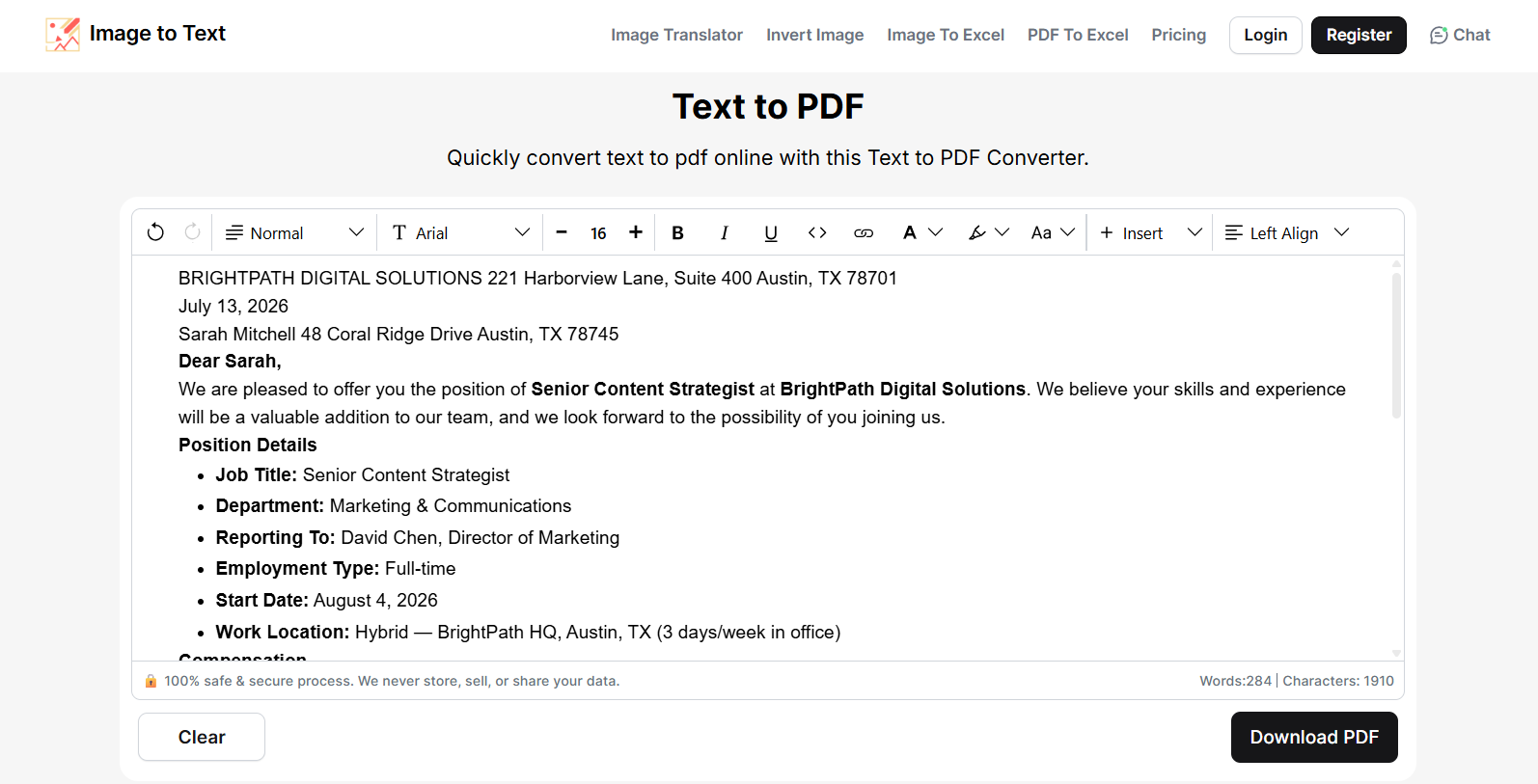
Another advantage is that there are no limitations (i.e., text length or usage limit).
Pros:
- 100% free to use
- Safe and secure
- One-click conversion
- Numerous options to format text properly
Cons:
- Does not support uploading Excel (.xlsx) files, although you can paste table data copied from Excel.
Wrapping It Up
HR managers deal with a wide range of operations every single day. These also include digitizing documents, creating PDFs of plain text, and calculating employee salaries. While these tasks are very simple, they can consume a significant amount of time and effort, ultimately damaging the overall workflow.
So, relying on the right tools will allow HRs to make these routine operations easier, faster, and more accurate. This blog post has discussed three different tools that can help them simplify text extraction, PDF creation, and salary calculation.